Doodling digitally

When you get new apps you have to learn how to use them. There are similarities and differences. You try one app and then transport an image into another app and try and alter it by using different filters and pens and markers. Each of these started with the bottom left sketch and then I took a screenshot of it ( I had to find out how on this new phone), then added more on top. It’s not going to be my favourite method of altering images, but I’m learning. I have found recently that drawing tools seem to be limited. Instead you get backgrounds and filters to alter faces and landscapes but using photoshop like tools, not paintbrushes or pens. I know I can do more if I had the tools. Perhaps I will find something more satisfying soon.

Jetpack installed!

Installing jetpack was OK but sorting my phone storage out first was the problem. I felt like I was launching my phone at the moon, without a rocket to take it. I knew I would need to free up space as currently my phone is 85% full. But what to uninstall? Which apps are crucial to my phone running properly and which could I delete? I randomly chose a few I rarely use. I still need to upgrade my memory but my phone shop didn’t have the right chip in and needs to order them in. So my dilemma (and I was catastrophising I think) was would things work after I did it. Well clearly it did, but jetpack took a while to install, probably due to the amount of data it had to bring over.

Well I’ve done it. I don’t like the look of it. That’s just because I’m used to the old site. I felt sad uninstalling WordPress, it feels like I have cut ties with it. It’s strange how you become invested in something so ephemeral as a computer app. I hope I get used to this. X

Playing with silhouettes

A previous digital drawing of a fence against a colourful background. My Sketch app on my phone has silhouettes of trees and plants that I rarely use. I also added extra texture and overlays in Photodirector. These are a couple of the art apps I have on my phone that I use frequently and don’t want to remove if I have to get the Jetpack app. Am I irritated? Yes. Must stop going on about it. Creativity isn’t important after all is it (sulks)…. Sorry!

Reach out to WordPress?

I keep trying to submit a question about Jetpack to WordPress but the support submission form won’t open. I filled in a question on another page but at the bottom it said this comment box is not for questions and to use the support form. So I tried and it still won’t open. I feel like I’m going round in circles and that people like me are too unimportant to WordPress.

This is what I wrote:

I don’t have enough memory on my android phone to add another app. I’ve asked what to do and someone suggested deleting other apps but I use them daily. Or I get messages that deleting them will affect the performance of my phone. I cannot afford a new phone (I can’t afford to pay for fuel, how can I pay for a phone?) This is stressing me out and I only have five days to try and work out what to do. I feel this is for the convenience of WordPress and Jetpack and not their customers. I’ve been told to ‘reach out’ but don’t have a solution. I will have to spend my pension money on a new memory card if I want to keep using WordPress on my old android phone, I feel so frustrated about this.

Get the jetpack app?

I have a problem. Notifications are closing on 8 March on WordPress and I keep getting a message to get the Jetpack app. But my phone is over 90% full. I don’t want to delete any of my other apps and I don’t think I have room. Also why separate one section of WordPress from another? Or is the whole shebang changing? Why don’t users have a choice, why are we always imposed on? Not everyone can afford to upgrade!

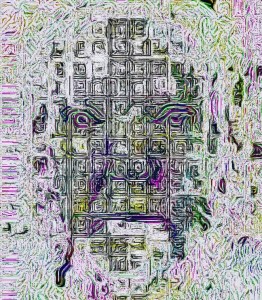
Abstract face

Abstract self portrait. I can’t remember how I got to this point. It’s got to be a couple of years since I created this. I’ve got an idea that I used various filters but which ones? My WordPress Media library has some odd images in it and every so often I have to edit them and delete some of them because my memory on WordPress is 99.8% full. I can’t afford to pay more for my blog page so it’s a case of managing what I have.

Saying that, does anyone know what else I can do? I don’t want to delete blog posts, I don’t have the time or the energy to do it. What I am doing is to delete some of the images as they take up more space on my site. What do people think?

Looking out

I decided to play with a previous drawing. It’s fascinating how you can rotate and reposition images in Instagram filters. You can make parts of the image recede or come forward. And if I’d wanted to I could have blurred the edges of the image. It also allows you to change the colours and contrast, shadows and brightness. Other apps allow you to do other things. The world is your oyster.

Blog now, pay later…

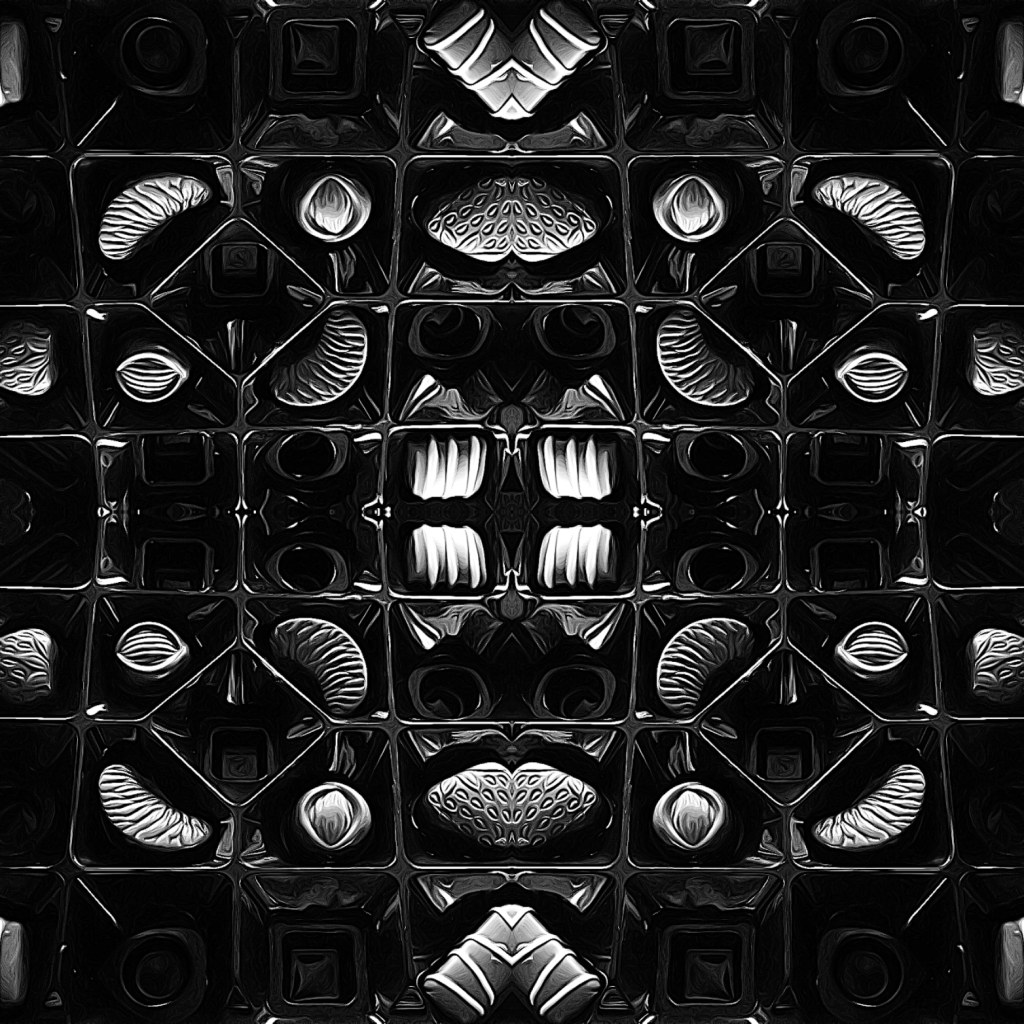
Photo of milk chocolates that I was given today. Manipulated in Instagram and Photodirector. I shouldn’t eat them, I’ve had a couple ‘to sooth my throat’, hubby’s had some too…

Then, we’ll you know what I’m like…

Elaborated the photo by duplicating it in Layout. I like the way the strawberry chocolates somehow turned into mouth 👄 shapes. I rotated the images a few times before I came up with this set. I chose the title, by the way, because I’m not meant to have sugar!

X

Insect eye view?

No, just a photo through a sheet of bubble wrap, then multiplied in a photo editing ap, there you are, a vaguely insect like photo. Now I could put it through a couple of other apps and see what happens? Shall I….

To be honest I don’t know. If I did it might be OK, but I haven’t decided yet. Sometimes you can have too many options at your fingertips.