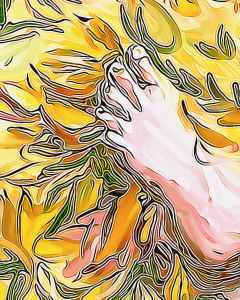
Foot in leaves, #bandofsketchers prompt was feet for Sunday 11th November 2023. I decided to imagine a foot stepping into crispy dry autumn leaves. Digital drawing done in sketchbook app and photodirector, I used Instagram to improve the colours.

New paintings and regular art updates.
Foot in leaves, #bandofsketchers prompt was feet for Sunday 11th November 2023. I decided to imagine a foot stepping into crispy dry autumn leaves. Digital drawing done in sketchbook app and photodirector, I used Instagram to improve the colours.

Today’s #bandofsketchers prompt was fashion. I’m at a loss with this so I just did a digital finger painting of a woman in a dress using my Artrage app. Then I used photodirector app to change the texture and background to make it more graphic.
What are your favorite websites?
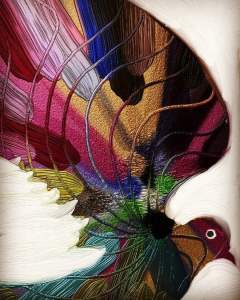
My favourite websites are art ones. A lot of them don’t have much in the way of tools. Often the drawing is already there and you just use a fill tool. They are boring. But I found a free app called Artrage oils which I used for several years till I got a new phone. Then I upgraded to Artrage which has a lot more tools, sketchbook app which has different tools and a few other ones that are good for editing, like photodirector. I now use them all in combination. It’s fun!
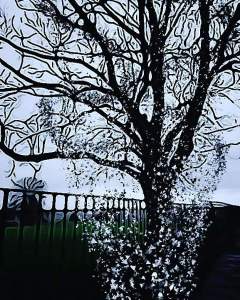
I added the sprinkles onto this photo of a tree, as if all the leaves were falling off at once. I can’t remember how I did it, but I think I used photodirector. The image is from about four years ago, and the app has changed since then, so some of the different tools have changed and I’m not sure I could do this again. X
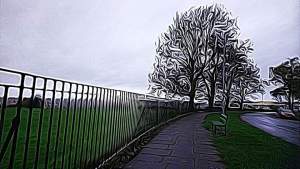
View of trees and local playing fields up our hill. It was four years ago. I took a photo during the winter and the trees looked skeletal. I put this through photodirector a couple of times to get the textured look. It almost looks like looking through a wet windscreen, where the lines are blurred and smeared. I think I might paint it.
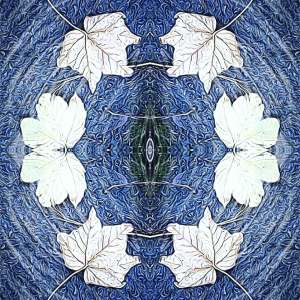
A photo from 3 years ago morphed a bit more by using incollage and Instagram. I chose the circular template in WordPress to finish it off. It could be a blue glazed ceramic plate. Autumnal in feel but also frosty. I also used the AI style effect in photodirector to get the textured patterning.
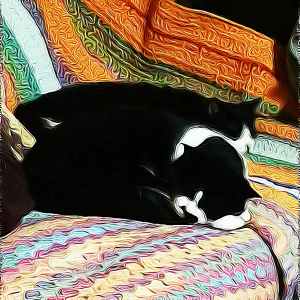
Just two of my cats. Sleepy, edited in photodirector. They are on a crochet blanket. I put the photo through photodirector, I like the textured look it creates.
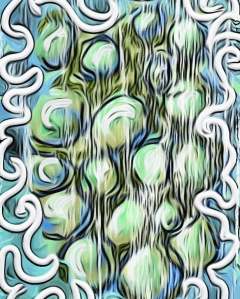
Sometimes I have no iea what I’m doing. I just doodle, draw and dabble with textures on the apps in my phone. First drawn in Artrage and then used photodirector to play and change things, then adjusted he colours in Instagram.

I started drawing circles, then decided to run it through several iterations of photodirector using it’s AI style button and adding a background of butterflies, then sending it through the AI texturiser again. I think it makes a quite gentle image, I like the colours, enhanced in the Clarendon Instagram filter. I do enjoy experimenting.

Progression from original digital drawing to filtered /distorted images. Using Artrage and then photodirector and Instagram filters. I do love to experiment with digital art. I like pushing the envelope as they say…
I could have used more colour but I tried a black and white filter after I drew the original and used a filter on Instagram that allows you to tilt and twist images.

 Mallaband-Brown