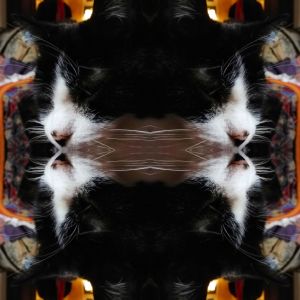
Sweet boy
I see him smile
His eyes crinkle
His nose soft
White paws and socks
Whiskers bright
He loves me, is happy
No claws today
Except in the new chair
But I forgive
Purr…
Then grab a toy
And play!

New paintings and regular art updates.
Sweet boy
I see him smile
His eyes crinkle
His nose soft
White paws and socks
Whiskers bright
He loves me, is happy
No claws today
Except in the new chair
But I forgive
Purr…
Then grab a toy
And play!
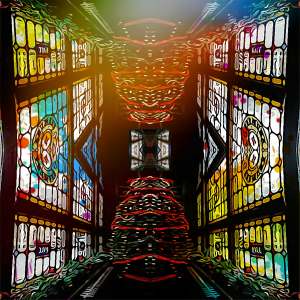
I used coloured overlays and an added image of the previous collaged photo on top of this. I like the complexity and that the Christmas tree looks a bit like an insects head.
When I get fed up I like to play with images, creating something new, learning, and keeping myself occupied.
I used the incollage app and photodirector to create this.
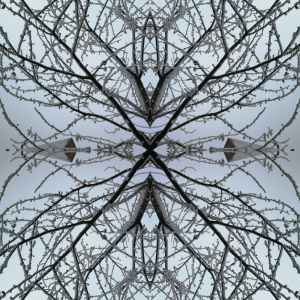
My brains making patterns again. Looking for a photo with a tree in the corner, then quadrupling it and twisting it round. The hoar frost on the twigs and branches added to the texture of the image. I’m doing things like this to keep occupied. X
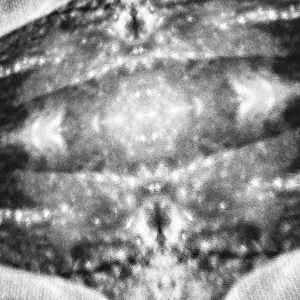
With added filters. Mainly using Instagram filters after I had taken the photo, then created a collage using incollage. I wanted to use the filters there but the ones I looked at are pro tools and you have to pay to use them, so I tried to recreate the feel using Instagram. I changed it to black and white, twisted it round, changed the brightness and contrast. I also changed the structure setting and the sharpness. It’s all done by eye and how I feel about the resultant images.

I saw this window in the Japanese restaurant near us. I decided to collage it to see how it would look in a duplicate form. I tried rotating it but I think this is the best version of it. I like the flatness of it, the misty feel, as if you had come across this structure on a foggy night. Perhaps reflected in a still river. I love playing with images.
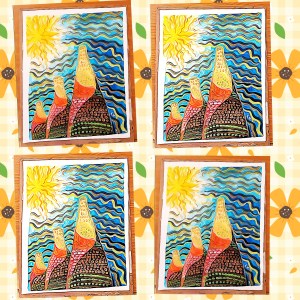
Using photodirector to alter my painting that I completed today. Photodirector can change the texture and shapes of my paintbrush strokes, adding uniformity and chaos at the same time, while I learn what I like, and which editing tool to use. I gave the original painting away. But at least I have a good photo…
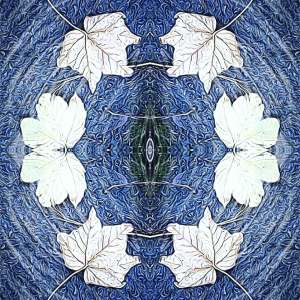
A photo from 3 years ago morphed a bit more by using incollage and Instagram. I chose the circular template in WordPress to finish it off. It could be a blue glazed ceramic plate. Autumnal in feel but also frosty. I also used the AI style effect in photodirector to get the textured patterning.

Interesting shapes made by old lights. Collaged symmetrical patterns. An old church can create fascinating shapes. Dark shadows and dark wooden beams add contrast with the pale cream vaults
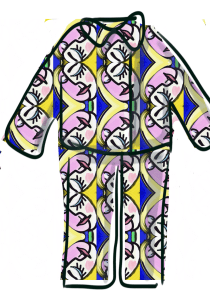
Thursdays #bandofsketchers prompt was pyjamas. I’m watching a programme about Picasso and I drew a digital image channelling one of his female portraits. Then I decided to collage it and see if I could make it look like a print for pyjamas. Artrage, incollage and Sketchbook apps used.

Exercise in perspective. Digitally manipulated photo of a door and window. It’s created an apparent corner where non exists. I tried rotating the image four times until I was satisfied with this picture. I used the incollage app to do it, I was previously using the old Instagram layout app.

 Mallaband-Brown