Found, old online drawings…


It’s been a while since I saw these. I drew them a few years ago on an old art site called sketchfu,.

Well guess what popped up on my FB page tonight? I had forgotten about these. But they are some of my favourites (I always loved Tony Curtis) …

The others are an attempt at drawing Michelangelos’ David, earrings and an Apple drawn in a challenge we used to do at sketchfu. And a drawing of a Manet painting…. the title is forgotten, no doubt someone will tell me.

Yes its great to see them again, hopefully I will be inspired to paint instead of drawing. But if not at least I know they are still around

X

Turning walls into butterflies…

I’m not going into details or explaining this one…

I am just leaving this here so you can see how my mind works…

One thing leads to another

Colour and contrast shade the image,

Tones flow, bricks swirl, wood cracks and peels as the paint falls.

The carapace hardens and is split, butterfly spills out.

Tiny tiles of scales glint through old webs of moss…..

Glossy silver and gold, hold the eye, iridescent, shivering…..

The problem with web based drawing sites!

Join an art based website at your peril!

I joined a site  and happily drew there for years. The site tools were simple to draw with, a colour picker, variable sized pens and opacity,  lovely,  no layers to mess with. I and many others enjoyed the site which saw a steady rise in use…

The problem as it got too popular. What was meant to be an art site got a lot of attention from bloggers who would write stories under the drawings. The moderators found it difficult to control, and the owners, who had started up another site, were giving less and less attention to it.

I enjoyed drawing challenges there, some of which are shown above. Honing my digital drawing skills. I was happy with what I was doing and made many friends. Sadly though, the site was eventually closed. The owners tried to transfer people across to the new site, but it had too many tools,  there were lots of things to do, but the site did not have the same feel as the old place. It seemed aimed at a younger audience. Eventually it too closed, to reappear as a different site where you could search for your old drawings but they were hard to find, and you coukd not add new work.

Luckily I had downloaded some of them before this happened. As with other sites, be careful to back up your drawings or they may be lost.

So, now I can Tag….

How do I find Tags on other people’s posts…?

You know it was inevitable, once you know how to do something you realise you need more information. So many questions.20180409_180812

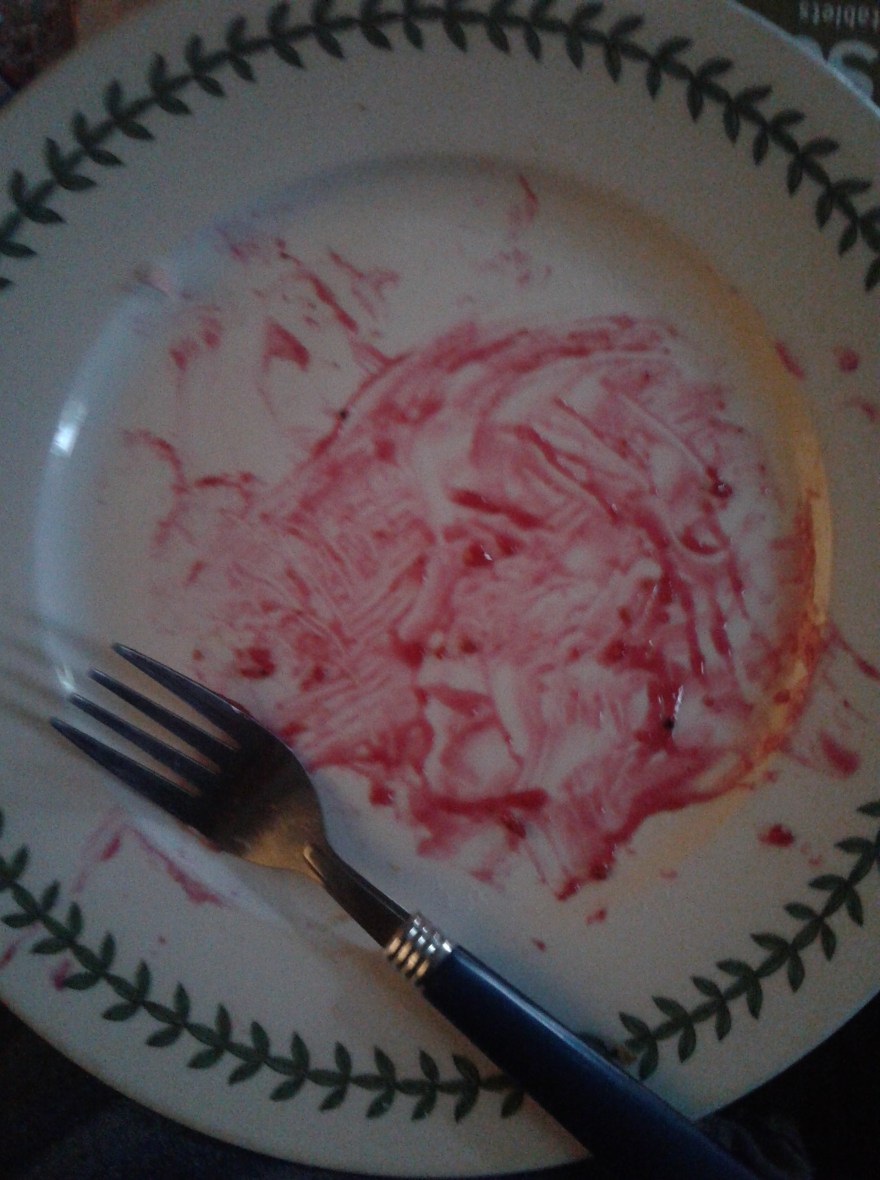
You find out how to paint then you try new mediums….like jam or jelly…….

Or find something interesting and take a photo of it…IMG_20180401_115802

So ……I can go to my Tags, and see the piece I have published…but where are other Tags using that or those words? I don’t think I’m the only person who has used Art or Digital Art as Tags…


I have a very varied interest in Art and I want to find other like minded people , who flit like a butterfly from style or medium to different creations.

Is there a page …like the Reader page, where I can find similar posts through the bloggers tags.

So…If you know how … please help xx

Seriously, how do you add hashtags?

I want to add #hashtags on WordPress but I cannot see how?


A friend pointed out today that I don’t use hashtags or categories here, and I replied I don’t know how. I have tried finding the editor section to put them on but I can only see an edit button.

I would like people to find my posts, I don’t want to be shouting into the dark, and I want people to see what I’m up to.

Question…if I put #artist into the body of the text here, will that work?

Is it because I only have a basic WordPress account ? I have noticed some things won’t work because I dont have a premium plan.

Any thoughts or advice will be gratefully received.

#art #stoke-on-trent #Spode #painter etc,etc……..

EDIT… another blogger called cosistories has explained x

Thanks!


Serendipitous?

Two pictures seperated by 12 hours….

I did the drawing on the left 12 hours before I saw the stones and ammonites on the right.

I was playing with colours on a digital drawing and added swirls and expanded some areas to look like marbles or stones.

12 hours later we decided to visit a friend, I had no idea she had this collection of stones (caboucions?), but took this colourful picture to put on instagram.

When I got home and posted it I was struck not only by the similarity of shapes in both pictures, but also by the colours. I have to say we are both artists, so we probably have similar tastes, but this coincidence is interesting. I dont believe in the occult or anything like that. I just think this is interesting and the colours and patterns are pleasing to the eye.

#digitallydoodling

It’s time to show you some of my recent digital drawings posted to my instagram account…


While I usually draw and paint in traditional materials like paint on canvas, or ink and pencil on paper, I regularly draw on various apps aswell.

This started when I found a web site called Youdraw around 10 years ago. At that stage I did not have a drawing tablet so I went out and bought a small one with the pen attached by a wire. I was really pleased with what I could do, and I eventually progressed to a bigger tablet but still with a pen that was attached by a wire. I used it so much and did so many drawings I wore the knib of the pen down!

Then I was offered a second hand wacom tablet, it was a revelation. I had got a photoshop programme and I was learning about layering and cropping, basically all the little things that help you morph pictures. In the meantime I had found various drawing web sites, like 2draw and wetcanvas and floating ginko. I was using their apps, which were quite complicated, but the results were fun. I frequently got told off on one site for drawing too fast. I was not allowed to be an expert on it because I didnt take enough time!

It was then that I came across a site called sketchfu. (Now closed) this had the simplicity I was looking for, large, medium and small pens, an ability to change the opacity and a colour picker, but the way it worked meant that you could create really interesting drawings without all the finicky bits.

This site and its sister Muzy were closed by its owners a few years ago. I think they were getting too much traffic and not enough revenue.

I decided to do more drawing, I got a bamboo tablet, and for a short while posted on line on instagram and Facebook. But then I got another tablet, a computer…I downloaded a few apps like sketcher free, ArtRage oils, kaleidoscope, and others, all free. The only problem then is having to draw by finger. It’s not as smooth and clean as a tablet pen. I have used stylus pens, I think I will do that again.

Currently I have lots of art on instagram, and some if the digital art has the hashtag #digitallydoodling if you want to find it.

X

I like morphing drawings

You want to doodle, create, make mark’s? Then maybe a free app like ArtRage oils is for you.

Four pens, and a rainbow of colours which can be plain or metallic allows you to play and express yourself.

The colours do tend to smudge, like working with wet in wet paint, but you do get some interesting effects. Sometimes it can look like oil paint put on with a palette knife, or brushed thickly over a canvas.

I have tried quite a few apps, but this is one I keep coming back to. I guess because it is simple to use, and can be altered by building up layers.

You have to save the painting, then click share option, and export, which allows you to save the file to a sharable format. I’m not a computer expert but I have found if I don’t choose the share option I can’t find them on my tablet picture files!


You can see a series of drawings that I have done, gradually changing them. I ended up adding the horse’s head because of the two circles at the top left hand side of the next to last drawing.

Anyway enough blogging for tonight!

Using Sketcher Free and Layout Apps

I use a few apps and thought I would show you a progression using them. Initially I chose a turquoise background in Sketcher Free, and using the ribbon pen and white then black colours I drew a unicorn but made it into what I called a Zebracorn, (or unizeb!)

I then changed it using a different pen to form wings, but went back to the ribbon pen to finish them off and try and lose the unicorns horn. I suppose you could call it pegazeb?

Another app you can use on Samsung galaxy tablets is Layout. It allows you to duplicate images, rotate them up or down or side to side..left to right etc. There are various options and some if them are shown below. Doubling, quadrupling or even making multiples of them.

Of course then it’s good to display them on line, so I put a lot of drawings on Instagram. That gives you the opportunity to use filters more – which is seen in the final picture, changing from turquoise to green.

So basically you can go from a finger painting to something much more complex using a couple of apps.

Doodles in apps

A few years ago I started drawing on my computer. I used a Wacom tablet and went on various web sites to draw. I remember names like wet canvas, floating ginko, 2draw , but my favourite was a site called Youdraw where you could only use two black pens and two white pens. They aimed to collect 500000 drawings. And I contributed several thousand!

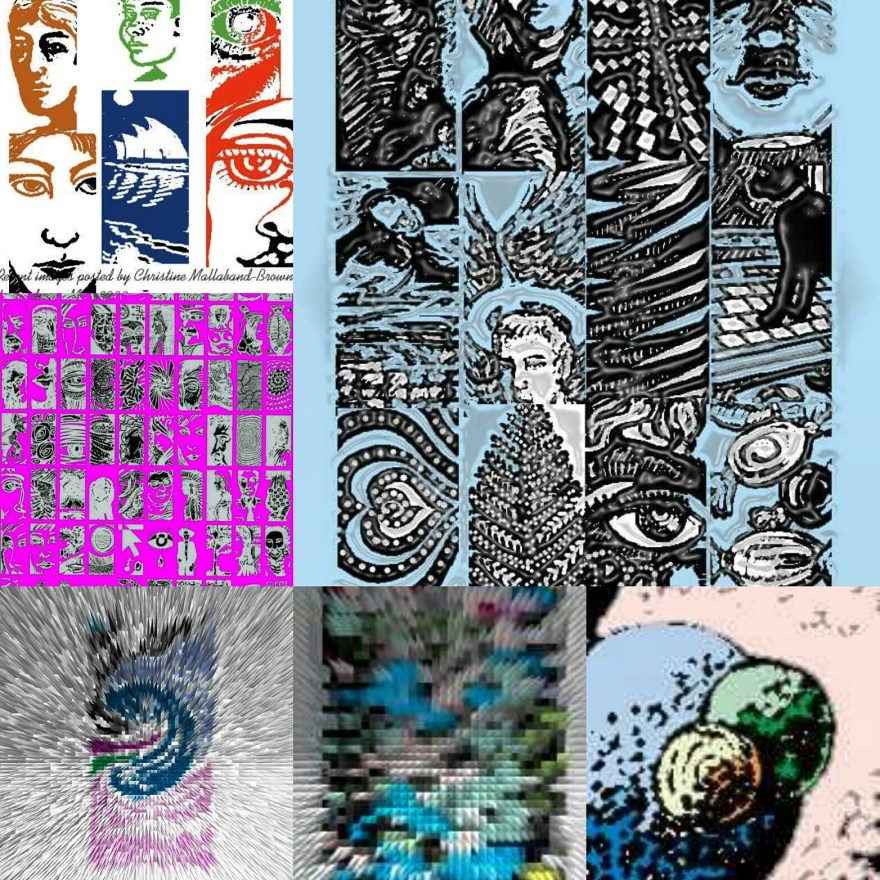
The drawings at the bottom of the page are mostly from Youdraw. I manipulated colours and patterns in Photoshop, and enjoyed the results.

There are many more of these drawings on my old computer…but its upstairs and covered in dust at the moment. I need to get it into my head to get it repaired.

Along came another site called sketchfu. It was fun to use as it had simple colour palettes and no need to create layers.  The drawing of a sphere broken up into sections was done there….

But then…I got a tablet a couple of years ago for Christmas. …

It doesn’t have many apps, or much memory. After adding an SD card I discovered it had enough memory to download some free apps.

I’m currently using sketcher for galaxy (the nude and picture of two women), then ArtRage oils which is another free app (pigeon) and sketcher free (dancing figure).

Each has its own characteristics, so it’s good to do different things on different ones. I found using a stylus helped with lines, but have lost it and need to get a new one.

I also manipulate images in a couple if other free apps…picsart which allows you to edit and filter pictures, and layout which is linked to instagram.

if anyone can recommend other interesting apps that are free and don’t take up too much memory let me know.


IMG_20171028_013714_905