Angel

Sometimes I can be a bit soft hearted, soppy, I can’t think of the word to explain it. As I was drawing in Artrage oils this little drawing popped out of the screen do I decided to try and write a poem.

Sorry if its not hard hitting or current …maybe its a bit too like a hymn…

Angel flying so high,

You touch the sky…

Angel give me peace,

Sleep as release..

Angel sing sweet songs of love,

Give us comfort from above,

Angel glowing rainbow bright,

You are such a mystic sight.

Angel share with us your grace ,

Show the beauty of your face.

Angel please  do hear my prayer.

Keep me safe and free from fear.


IMG_20180731_184831_058

Getting your ducks in a row

I found this digital drawing of a duck on my Facebook memories. It was drawn in ArtRage oils and I just liked the pattern for the feathers that I created so I took a section of it and duplicated it in the Layout app on my tablet. I then changed the colours slightly in an Instagram filter called Charmes I think.

I wanted to make a reflection pattern and this uses 16 sections of the original drawing turned and twisted. I think the bits at the top and the bottom look like small crabs and the central sections look like vegetation arching  over a still pond.

I often draw birds, I love the way their eyes stare out at you. I love feathers, I used to draw them all the time as a child. I liked how the strands in them interlock. I have drawn peacocks and swans and lately painted crows. I would like to be able to paint birds in flight, its how their wings spread, and the feathers flutter and split as the wind flows through them. I like the iridescent colours that sparkle off the feathers, especially on birds such as peacocks.


Complexity

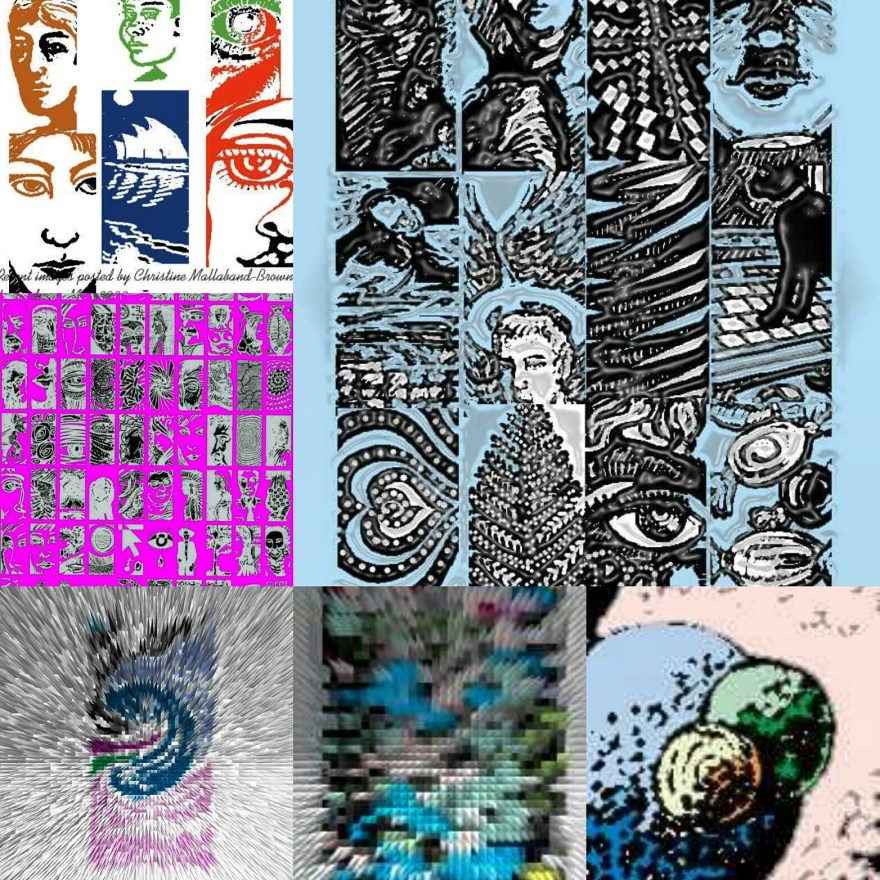
Complexity enchants me, it excites me, it tickles my mind. Complexity is deep within my soul. To illustrate this I have added some digital drawings that I have played with. I started before these with a roughly drawn profile which did not have gender or age. After working on it with a smudge tool I decided to use picsart to change it and blend it into something new. I feel like it is now a profile of a boy.

I used a colour transformation tool in picsart to bring out more vibrant blues and purples. Only when these were set did I go into changing the styles in another part of the app. Eventually I put the drawing through layout which us another app to multiply it up.

Complexity comes through the various iterations, colour, texture and tone being changed each time. I go by feel to decide when to stop, I don’t want to go too far so the picture becomes a bland mush,  but I did try and push it as far as I could.

Digital portraits

I’ve posted A few digital drawings here, and one website, now defunct, was called sketchfu where I drew many of them. (I found out today its domain name is up for sale!).

The tools at sketchfu were quite crude, only 5 or 6 sizes of pen, a colour picker and a colour palette together with a slider that allowed you to change the opacity. But it was surprising what results people could get. There were various little competitions and challenges to copy various pictures and portraits.

I did some of the challenges, and I drew some portraits. You could not draw as well as in Photoshop but they came out OK……


You might notice the final drawing here is meant to be of professor Stephen Hawking. This was drawn on my tablet in an app called sketcher free. I did it a few weeks ago following his death. Instead of a stylus I used my middle finger to draw on the tablet screen.

I cannot tell you how uncontrolled and disappointing this last drawing feels in relation to the previous ones. If anyone is aware of a good drawing website, please let me know!

#digitallydoodling

It’s time to show you some of my recent digital drawings posted to my instagram account…


While I usually draw and paint in traditional materials like paint on canvas, or ink and pencil on paper, I regularly draw on various apps aswell.

This started when I found a web site called Youdraw around 10 years ago. At that stage I did not have a drawing tablet so I went out and bought a small one with the pen attached by a wire. I was really pleased with what I could do, and I eventually progressed to a bigger tablet but still with a pen that was attached by a wire. I used it so much and did so many drawings I wore the knib of the pen down!

Then I was offered a second hand wacom tablet, it was a revelation. I had got a photoshop programme and I was learning about layering and cropping, basically all the little things that help you morph pictures. In the meantime I had found various drawing web sites, like 2draw and wetcanvas and floating ginko. I was using their apps, which were quite complicated, but the results were fun. I frequently got told off on one site for drawing too fast. I was not allowed to be an expert on it because I didnt take enough time!

It was then that I came across a site called sketchfu. (Now closed) this had the simplicity I was looking for, large, medium and small pens, an ability to change the opacity and a colour picker, but the way it worked meant that you could create really interesting drawings without all the finicky bits.

This site and its sister Muzy were closed by its owners a few years ago. I think they were getting too much traffic and not enough revenue.

I decided to do more drawing, I got a bamboo tablet, and for a short while posted on line on instagram and Facebook. But then I got another tablet, a computer…I downloaded a few apps like sketcher free, ArtRage oils, kaleidoscope, and others, all free. The only problem then is having to draw by finger. It’s not as smooth and clean as a tablet pen. I have used stylus pens, I think I will do that again.

Currently I have lots of art on instagram, and some if the digital art has the hashtag #digitallydoodling if you want to find it.

X

I like morphing drawings

You want to doodle, create, make mark’s? Then maybe a free app like ArtRage oils is for you.

Four pens, and a rainbow of colours which can be plain or metallic allows you to play and express yourself.

The colours do tend to smudge, like working with wet in wet paint, but you do get some interesting effects. Sometimes it can look like oil paint put on with a palette knife, or brushed thickly over a canvas.

I have tried quite a few apps, but this is one I keep coming back to. I guess because it is simple to use, and can be altered by building up layers.

You have to save the painting, then click share option, and export, which allows you to save the file to a sharable format. I’m not a computer expert but I have found if I don’t choose the share option I can’t find them on my tablet picture files!


You can see a series of drawings that I have done, gradually changing them. I ended up adding the horse’s head because of the two circles at the top left hand side of the next to last drawing.

Anyway enough blogging for tonight!

Doodles in apps

A few years ago I started drawing on my computer. I used a Wacom tablet and went on various web sites to draw. I remember names like wet canvas, floating ginko, 2draw , but my favourite was a site called Youdraw where you could only use two black pens and two white pens. They aimed to collect 500000 drawings. And I contributed several thousand!

The drawings at the bottom of the page are mostly from Youdraw. I manipulated colours and patterns in Photoshop, and enjoyed the results.

There are many more of these drawings on my old computer…but its upstairs and covered in dust at the moment. I need to get it into my head to get it repaired.

Along came another site called sketchfu. It was fun to use as it had simple colour palettes and no need to create layers.  The drawing of a sphere broken up into sections was done there….

But then…I got a tablet a couple of years ago for Christmas. …

It doesn’t have many apps, or much memory. After adding an SD card I discovered it had enough memory to download some free apps.

I’m currently using sketcher for galaxy (the nude and picture of two women), then ArtRage oils which is another free app (pigeon) and sketcher free (dancing figure).

Each has its own characteristics, so it’s good to do different things on different ones. I found using a stylus helped with lines, but have lost it and need to get a new one.

I also manipulate images in a couple if other free apps…picsart which allows you to edit and filter pictures, and layout which is linked to instagram.

if anyone can recommend other interesting apps that are free and don’t take up too much memory let me know.


IMG_20171028_013714_905