How to paint Snake and Ladder

What a random painting!

It started out as a series of splodges. I was not sure what it would turn into. I am interested in Celtic knotwork and also Saxon metalwork. The Staffordshire hoard of Saxon gold was found nearby a couple of years ago and there are many animals and monsters found in that kind of art and craft work.

Suddenly the idea of a snake popped into my mind so I added scales and a head to the pattern, but why would it be there, what was the reason behind it. I remember being intrigued by Snakes and Ladders when I was little. I always landed on a snake and slither down to the foot of the board .

I decided to add the ladder, but the background was too dark. I was modelling the 3 dimensions of the snake with dark and light paint but the snake was merging into the background. What to do!? I tried a green, but felt that was not the right colour. …why not a bold red? I had got a bottle of glittery deep red and I tried that. Bingo I’m pleased with the result.

That’s how you paint a Snake and Ladder. ….

I like morphing drawings

You want to doodle, create, make mark’s? Then maybe a free app like ArtRage oils is for you.

Four pens, and a rainbow of colours which can be plain or metallic allows you to play and express yourself.

The colours do tend to smudge, like working with wet in wet paint, but you do get some interesting effects. Sometimes it can look like oil paint put on with a palette knife, or brushed thickly over a canvas.

I have tried quite a few apps, but this is one I keep coming back to. I guess because it is simple to use, and can be altered by building up layers.

You have to save the painting, then click share option, and export, which allows you to save the file to a sharable format. I’m not a computer expert but I have found if I don’t choose the share option I can’t find them on my tablet picture files!


You can see a series of drawings that I have done, gradually changing them. I ended up adding the horse’s head because of the two circles at the top left hand side of the next to last drawing.

Anyway enough blogging for tonight!

Doodles in apps

A few years ago I started drawing on my computer. I used a Wacom tablet and went on various web sites to draw. I remember names like wet canvas, floating ginko, 2draw , but my favourite was a site called Youdraw where you could only use two black pens and two white pens. They aimed to collect 500000 drawings. And I contributed several thousand!

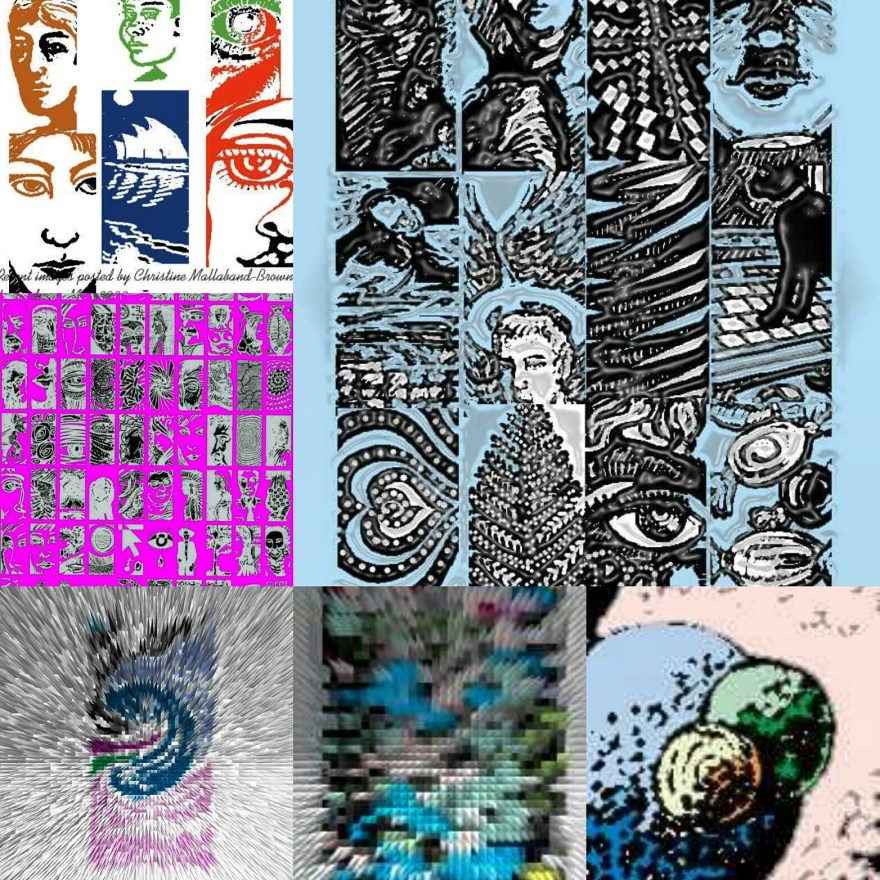
The drawings at the bottom of the page are mostly from Youdraw. I manipulated colours and patterns in Photoshop, and enjoyed the results.

There are many more of these drawings on my old computer…but its upstairs and covered in dust at the moment. I need to get it into my head to get it repaired.

Along came another site called sketchfu. It was fun to use as it had simple colour palettes and no need to create layers.  The drawing of a sphere broken up into sections was done there….

But then…I got a tablet a couple of years ago for Christmas. …

It doesn’t have many apps, or much memory. After adding an SD card I discovered it had enough memory to download some free apps.

I’m currently using sketcher for galaxy (the nude and picture of two women), then ArtRage oils which is another free app (pigeon) and sketcher free (dancing figure).

Each has its own characteristics, so it’s good to do different things on different ones. I found using a stylus helped with lines, but have lost it and need to get a new one.

I also manipulate images in a couple if other free apps…picsart which allows you to edit and filter pictures, and layout which is linked to instagram.

if anyone can recommend other interesting apps that are free and don’t take up too much memory let me know.


IMG_20171028_013714_905