Mixed up phone photos

I decided to free up a bit of space on my phone yesterday as I was on over 90% full. I really need to get more memory on my phone as I have over 3,000 images. The trouble is when I optimise and delete photos it resets the date on them so sometimes they all reorder themselves and jump around in my gallery until they settle down. Then I end up with a lot of duplicated photos and I have to go in and delete the duplications, and I also try and edit the others and try and delete more of the ones I don’t like. I hope you don’t have these problems!

The featured image is a painting of frost on canvas where I edited it in a filter to change the colours. It just popped up in my photo gallery.
Deleting old photos.

dsc_2388_optimized

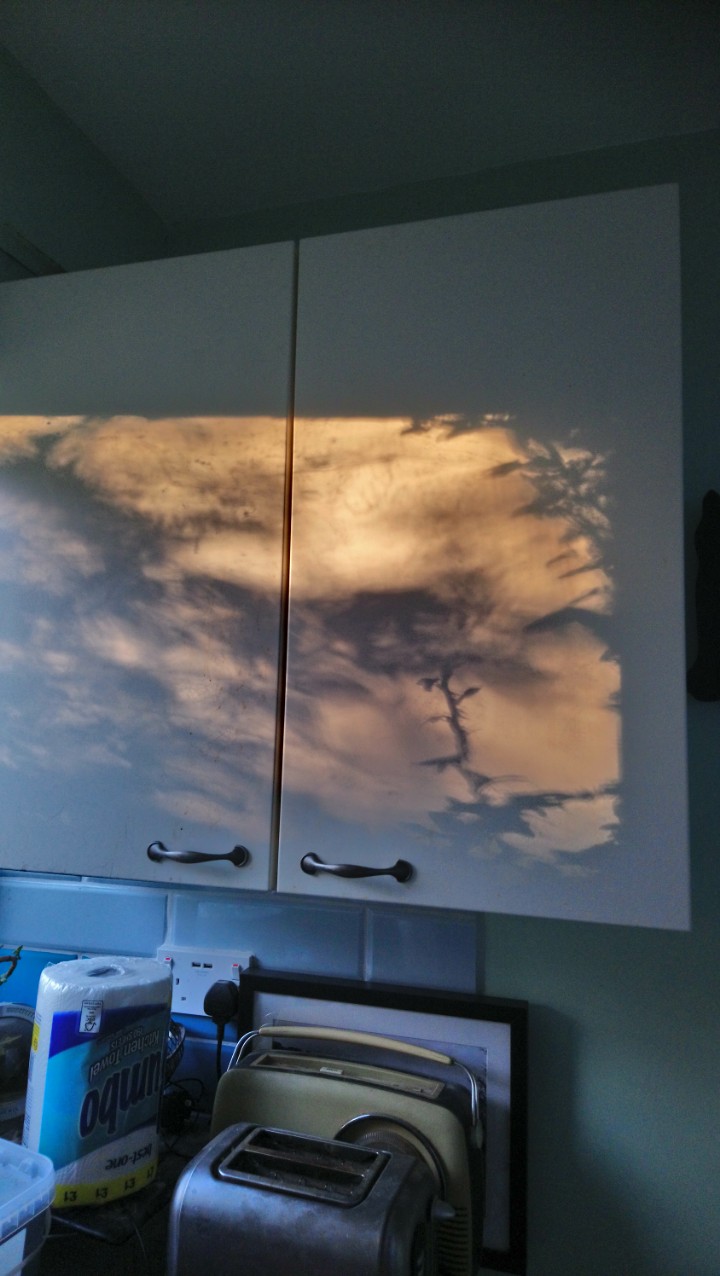
Every so often I delete old photos off my phone. Then all the photos that are left get mixed up and I discover old photos like this one that I really like! Basically I do this because the photos are taking up most of the phones memory. I have thousands of pictures. Today I got rid of a couple of hundred old pictures of grey skies and trees. And I also got rid of duplicate images because when I post to Instagram it saves an extra picture.

Another issue is that my phone camera takes Megabyte, not kilobyte sized pictures. It means that when I save them to WordPress the media files take up a lot if space. I’m on about 78% on my plan, and I expanded that earlier in the year. So, how do i reduce my file sizes without losing image quality? The answer is I let my anti virus software review the pictures and replace them with smaller versions. It doesn’t stop my phone taking large files though and I would like to find out how to do this. Must be in settings somewhere….

Sorry if this is boring…